The Best Cloudflare Configuration for Passing the Core Web Vitals
Configure Cloudflare for maximum pagespeed and understand the settings you have to play with

Optimizing Core Web Vitals with Cloudflare: What to Enable and What to Avoid
Cloudflare offers a wide range of settings that can impact your Core Web Vitals, both positively and negatively. While some settings improve performance, others introduce delays or interfere with page rendering. Let's break down the most common Cloudflare options and under what conditions you should enable them!
Last reviewed by Arjen Karel on February 2026
Common Cloudflare Setup Questions: I often review Cloudflare setups for clients. While I could write books about setting up a CDN like Cloudflare, most questions revolve around a simple 'should I enable this setting?'. This article answers those questions with the appropriate considerations for the most common Cloudflare settings related to the Core Web Vitals.
Free vs. Pro: Is an Upgrade Worth It?
Speed > Optimization
Polish
Polish optimizes images hosted on your Cloudflare domain by compressing them, stripping meta data, and optionally converting them to WebP. For a complete guide to image optimization, see optimize images for Core Web Vitals.
Smaller image sizes usually will improve the Largest Contentful Paint by improving the image resource load duration. However, since LCP is influenced by multiple factors other than the resource load duration of images, don't expect drastic improvements.
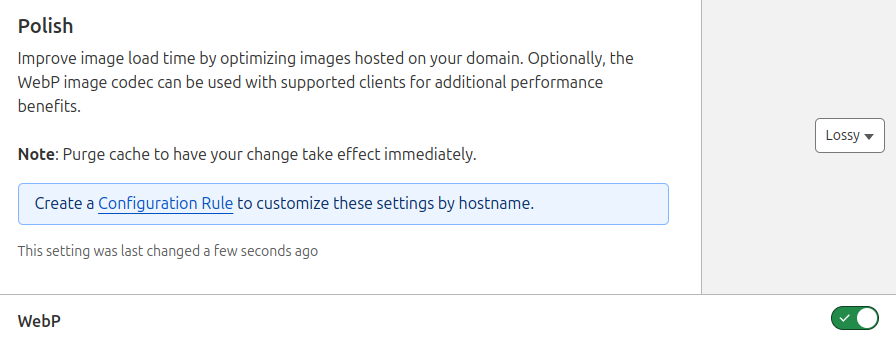
Recommendation: Enable and choose 'Lossy WebP' for best results. Note that Polish does not support AVIF conversion; for AVIF you need Cloudflare Image Resizing (a separate, paid service).
Mirage (deprecated)
Mirage was deprecated by Cloudflare on September 15, 2025 and has been automatically disabled on all domains. Modern browsers now natively support lazy loading via the loading="lazy" attribute, making Mirage's JavaScript based approach unnecessary.
Mirage used to optimize images based on network conditions. The implementation was 'slow by design': it blocked images until the network speed had been measured. This blocking could cause Layout Shifts and ironically a slower Largest Contentful Paint.

Recommendation: This setting no longer exists. If you see it in an older guide, ignore it.
Speed Brain
Speed Brain uses the Speculation Rules API to speed up the Time to First Byte by prefetching future navigations. Speculation Rules are extremely effective in improving all the Core Web Vitals including the Largest Contentful Paint. Speed Brain is available on all plans (including free) and currently uses the conservative eagerness level, which only prefetches when a user is about to click a link.
I do not recommend relying on Speed Brain because configuring speculation rules manually is easy and far more effective than Cloudflare's one size fits all approach. Manual configuration lets you choose your own eagerness levels, target specific URLs, and use prerendering instead of just prefetching.

Recommendation: Disable and configure speculation rules manually. If you will not configure them yourself, leaving Speed Brain enabled is better than having no speculation rules at all.
Cloudflare Fonts
Cloudflare Fonts automates font self-hosting. This is a great idea because self-hosting important resources eliminates new, external connections which are by default slower than reusing the already open connection to your Cloudflare proxied site.
It is more effective to take 15 minutes and manually configure self-hosting font files. Unfortunately plenty of CMS systems do not allow this. In that case enabling Cloudflare Fonts is a perfectly valid option. Note that Cloudflare Fonts is still in beta (since 2023) and does not work when APO is enabled.

Recommendation: Disable by default; enable only if manual self-hosting is not an option.
Early Hints
Early Hints speed up critical resource delivery (like styles, fonts or images) by hinting at them before the actual HTML content is sent to the browser. To send a resource hint through Cloudflare, Cloudflare will read your response headers and extract resource hints from there.
If you are comfortable sending resource hints in HTTP response headers I highly suggest enabling this feature. However, be aware that resource hints in headers might be much more hidden to your dev team than resource hints in the <head> of the page. If misconfigured, they can slow things down instead of speeding them up. So, use with caution. Despite being available for years, Early Hints adoption is still below 3% according to the 2025 Web Almanac.

Recommendation: Enable only if you're correctly sending resource hint headers.
Auto Minify
Cloudflare can minify your HTML, CSS, and JavaScript on the fly. HTML minification removes whitespace and comments, slightly reducing transfer size. CSS and JavaScript minification does the same for those file types.
Recommendation: Enable HTML minification. For CSS and JavaScript, build-time minification (during your deployment process) produces better results than Cloudflare's on-the-fly approach. If you have no build process, enabling all three is fine.
Rocket Loader
Rocket Loader 'defers' all JavaScript on a webpage by withholding scripts temporarily and then injecting them into the page a few moments later. This is a nasty (or neat, depending on your view) trick that needs lots of checks and hacks to ensure it will work properly on all browsers. It also hides the scripts from the preload scanner, a mechanism designed to speed up the loading of critical resources.
For the above reasons, obviously, I am not a fan of blindly enabling Rocket Loader. Scripts should be scheduled based on their importance. Critical scripts need to load and execute early, while non-essential scripts can wait until the browser is idle.
Cloudflare's Rocket Loader does not do that. It withholds all scripts and at a certain point injects them without consideration to their importance. Rocket Loader only prioritizes other resources like the LCP element, fonts and styles over scripts. On top of that, Rocket Loader uses the unload event handler, which is a deprecated API that prevents the browser's Back-Forward Cache (bfcache) from working. This means navigating back and forward will trigger full page reloads instead of instant restores.
If your CMS does not allow script deferring or more fine-grained script timing, Rocket Loader could be your best option. But for most sites, scheduling scripts manually is far more effective.

Recommendation: Disable and schedule scripts manually. Only enable if you have no other way to defer or control script execution.
Automatic Platform Optimization for WordPress
Cloudflare's APO caches entire pages on its edge servers, a technique known as full-page edge caching. When implemented correctly, it will improve the Time to First Byte (and subsequently the LCP and FCP) for a certain type of visitor!
However, there is a catch. Full-page edge caching often needs to be automatically bypassed. For example when a user logs in or adds items to their cart, APO is automatically disabled since the page content becomes personalized. At that point, serving a generic cached page is no longer an option. Because APO needs to work for all types of websites, cache will be bypassed much more than necessary for your site. That is why manual cache configuration will almost always be more effective than Cloudflare's APO.
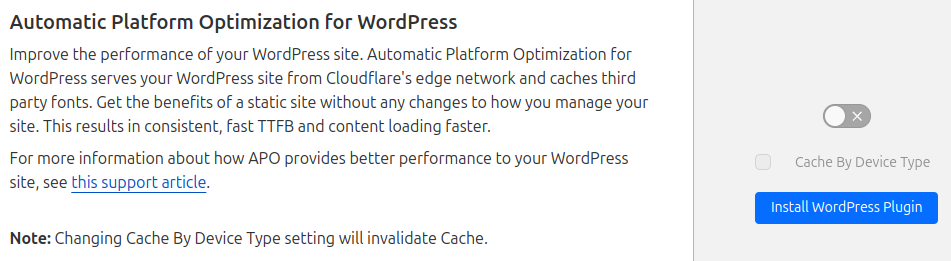
Recommendation: Enable APO, or better yet, configure your own full-page edge caching rules for better control over when caching is bypassed.
HTTP/2, HTTP/2 to Origin and Enhanced HTTP/2 Prioritization
Enabling HTTP/2, HTTP/2 to Origin and Enhanced HTTP/2 Prioritization is a no-brainer. HTTP/2 is a huge improvement over the older HTTP/1.1 protocol. HTTP/2 does a lot of things but most importantly it gets rid of the old staircase effect by allowing multiple files to be sent over the same connection in parallel. HTTP/2 has been around for 10 years and is widely supported by browsers and servers!
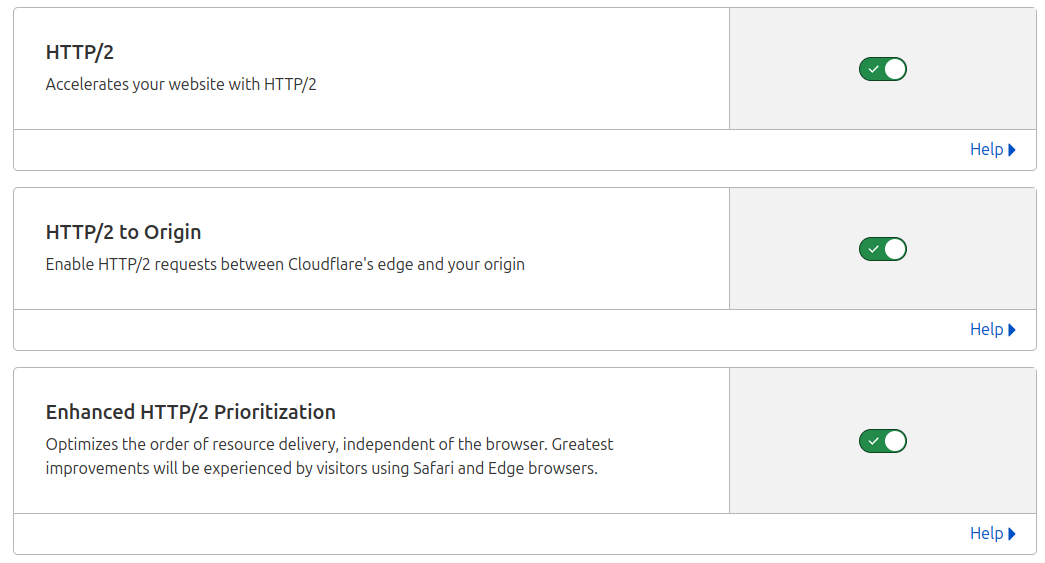
Recommendation: Enable all three.
HTTP/3 (with QUIC)
HTTP/3 with QUIC is even faster than HTTP/2 because of improvements in connection setup and latency. HTTP/3 allows multiple streams to be sent independently even if one is delayed. QUIC combines transport and encryption handshakes which reduces connection time. This results in up to 10% faster TTFB times! According to the 2025 Web Almanac, 38% of websites now support HTTP/3.

Recommendation: Enable.
Brotli Compression
Brotli is a compression algorithm that produces smaller files than Gzip. Cloudflare enables Brotli by default on all plans. Make sure it stays enabled. According to the 2025 Web Almanac, 46% of CDN-served requests now use Brotli compression.
Recommendation: Keep enabled (it is on by default).
0-RTT Connection Resumption
0-RTT Connection Resumption speeds up secure connections by skipping the initial handshake when a user revisits a site. It uses previously stored encryption keys, allowing data to be sent immediately, reducing latency and improving page load times.

Recommendation: Enable.
Automatic Signed Exchanges (deprecated)
Signed Exchanges (SXGs) used to allow Google Search to prefetch your content while preserving user privacy. SXGs could improve LCP by roughly 450ms for visitors coming from Google Search results.
However, Cloudflare deprecated SXGs in October 2025. The feature has been removed and is no longer available. If you had it enabled, it was automatically disabled. Speed Brain (Speculation Rules) is the closest replacement for prefetching, although it only works for same-site navigations, not for cross-origin prefetching from Google Search like SXGs did.
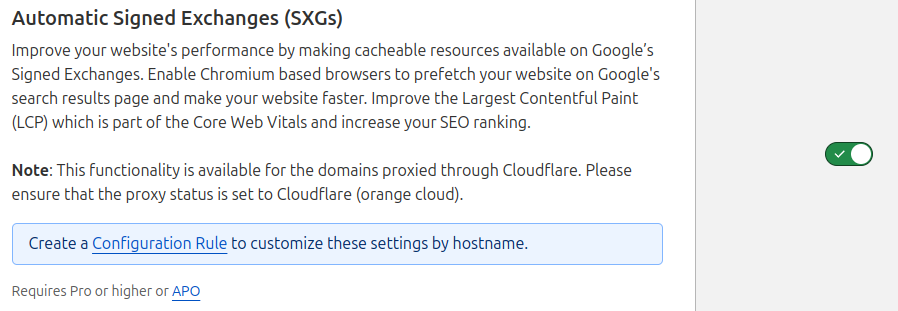
Recommendation: This setting no longer exists.
Scrape Shield
Scrape Shield protects the content on your website. While this might seem like a good idea I am fervently against enabling any Scrape Shield options. Scrape Shield works by injecting JavaScript into your page to decode the previously obfuscated content. This trade-off in speed versus hiding content makes no sense to me. Real spammers are not fooled while real users get extra scripts that slow down the page.
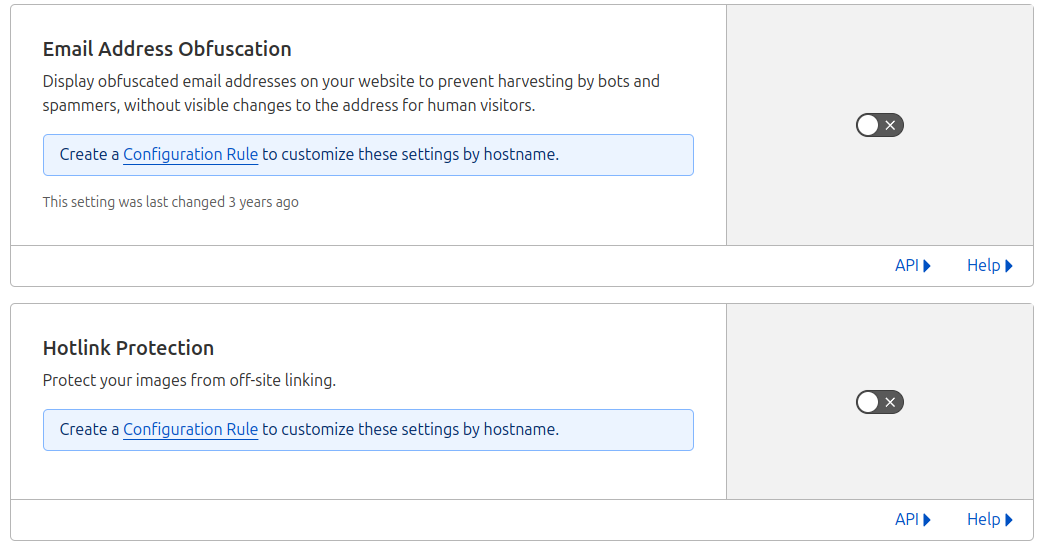
Recommendation: Disable Email Address Obfuscation and disable Hotlink Protection.
Bot Fight Mode and Super Bot Fight Mode
This is the single most damaging Cloudflare setting for your Core Web Vitals. When enabled, Bot Fight Mode injects a script called invisible.js into every page. This script runs a browser challenge that adds over 2,000 milliseconds of CPU execution time to every page load. That is 2 full seconds of main thread blocking before your page can become interactive.
In practice, enabling Bot Fight Mode can drop your PageSpeed score by 20 points or more. Super Bot Fight Mode has the same problem. The irony: these modes are designed to block bots, but they punish every real user who visits your site.
Recommendation: Disable both Bot Fight Mode and Super Bot Fight Mode. If you need bot protection, use Cloudflare's WAF rules or rate limiting instead. These do not inject client-side JavaScript.
Caching > Configuration
Purge Cache
Purging the cache will invalidate all files cached by Cloudflare including stylesheets, JavaScript, images and even full-page caches. And while purge cache is technically not a setting I must warn about clearing the cache. Clearing the cache will make your site slower until the cache has been rebuilt!

Recommendation: Avoid purging the entire cache if possible. Only purge affected files!
Caching Level
Cache level determines how Cloudflare handles query strings. You will want to take a good look at this setting.
The 'fastest' option is 'Ignore query string'. This serves the same resource regardless of the query string. This is only a good option if you are 100% sure that query strings are not used on your site. In that case, query strings added by others are ignored.
'Standard' serves a different cached file for every different query string. This is the default setting for Cloudflare but in combination with full-page edge caching and tracking parameters like utm parameters this setting can cause cache mismatch and a lower cache hit ratio! Consider stripping tracking parameters with Cloudflare Workers to solve this.

Recommendation: Ignore query string whenever possible, or Standard. Avoid the 'No query string' option.
Browser Cache TTL
The browser cache TTL tells the browser how long it can cache static resources. Cached resources can be served directly from the browser and are available much faster than remote network resources. That means a short browser cache TTL would invalidate the browser cache frequently, lowering the cache hit ratio. So, unless your static files change frequently, set this setting to max.

Recommendation: Set to 1 year if possible.
Development Mode
Development mode will bypass all Cloudflare caching while enabled. It might be tempting to enable development mode while developing. Please do not enable development mode, it also disables caching for all other visitors. Instead set up a development domain where you can develop or exclude yourself from Cloudflare caching by setting up cache rules.

Recommendation: Do not enable!
Caching > Tiered Cache
Tiered Cache reduces the number of requests to your origin server and increases the cache hit ratio by instructing Cloudflare to look for uncached files on its own servers first. This reduces the load on your backend server even further and frees up extra resources.
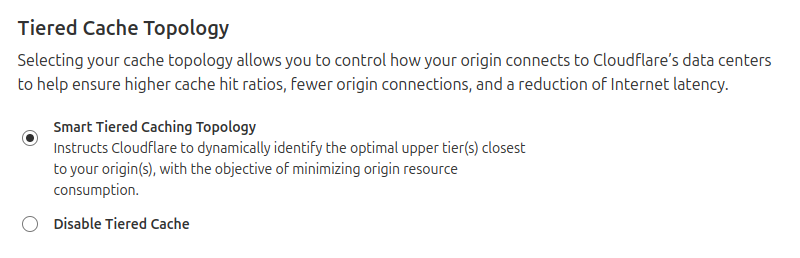
Recommendation: Enable Smart Tiered Caching Topology.
Across sites monitored by CoreDash, sites using a properly configured CDN show 55% faster TTFB at the p75 compared to sites without a CDN. Cloudflare's combination of HTTP/3, Brotli, and tiered caching makes a measurable difference in the field. Use Real User Monitoring to verify your Cloudflare configuration is actually working for your users.
Your Lighthouse score is not the full picture.
Your real users are on Android phones over 4G. I analyze what they actually experience.
Analyze field data
